Free Fire Max - Malaysia
Top Up

Free Fire Max - Malaysia

How to Top Up

User Reviews

4.8
200K+ Sold
NI
"Second time topping up on gogogo and lagi best"

How to Top Up Free Fire Max Diamonds

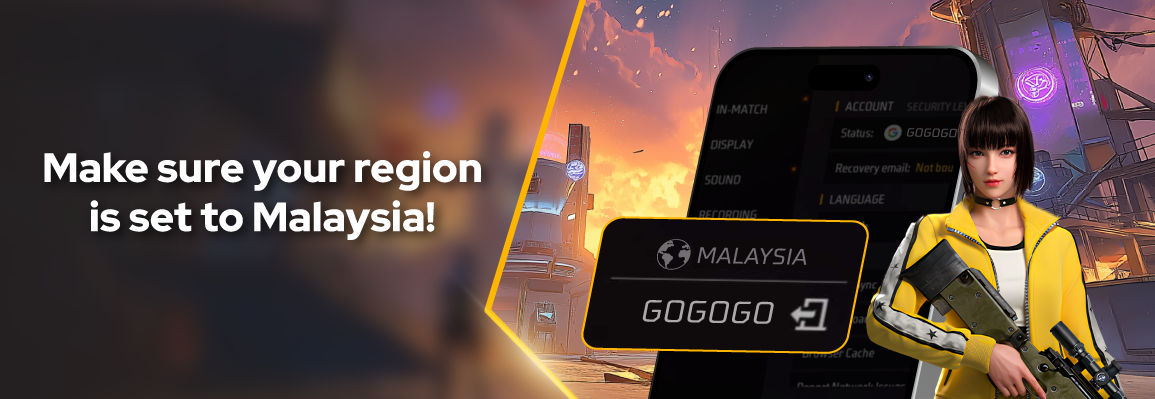
  1. Enter your Free Fire MAX Player ID and make sure it belongs to the Malaysia region.
  2. Select your Diamonds amount.
  3. Complete payment via Touch n Go, ShopeePay or GrabPay.
  4. Diamonds are added to your Free Fire MAX account within seconds.
1

Select Nominal or Package

Membership
Popular Diamonds
Diamonds

Membership

Diamonds

2

Enter Top Up Amount

4

Complete Data

5

Enter Email Address (Mandatory)

6

Promo Code (Optional)

7

Enter Contact Info (Optional)

  • This number will be contacted by CS/Admin if problems occur
  • Make sure the ID you entered is correct! Input errors are not our responsibility.
By purchasing I automatically agree Terms & Conditions

All Reviews

4.8
from 5.0 • 99% buyers feel satisfied 👍🏻

Frequently Asked Questions

Yes, Diamonds are shared across Free Fire and Free Fire MAX on the same account.

Open Free Fire MAX, tap your avatar, and your Player ID is shown at the top of your profile.

Diamonds are credited within seconds of successful payment.

Touch n Go, ShopeePay or GrabPay.

By clicking Buy Now, you agree to the applied Terms & Conditions
Best price, no hidden fees!